

Turno (formerly TurnoverBnB) Review: The Ultimate Cleaning Automation Tool?
If you manage more than one Airbnb property, you know the panic of "The Cleaning Coordination Nightmare." Did the cleaner show up? Did they get the new entry code? Did they send photos?
Enter Turno (formerly TurnoverBnB), the app that promises to automate this entire mess. I've used it to manage over 1,500 turnovers. Here is my deep-dive review.
🏆 The Quick Verdict
Rating: 4.7/5 Stars
Best For: Hosts with 1-50 properties who hate texting cleaners.
| Feature | Score | Notes |
|---|---|---|
| Automation | ⭐⭐⭐⭐⭐ | Syncs flawlessly with Airbnb/VRBO calendars |
| Marketplace | ⭐⭐⭐⭐ | Great for finding backups, but quality varies |
| App UX | ⭐⭐⭐⭐ | Cleaners find it easy to use (Spanish support included) |
| Value | ⭐⭐⭐⭐⭐ | Free for your own cleaners; pays for itself instantly |
Bottom Line: Stop texting your cleaners manually. Access to the cleaner marketplace alone is worth setting this up.
🔍 How It Works
Turno simplifies the three biggest headaches of cleaning management:
- Scheduling: It pulls bookings from your calendar and auto-schedules cleanings.
- To-Do Lists: Cleaners follow a photo-based checklist you create.
- Payments: It automatically pays cleaners when the job is done.
📦 The Good
1. The "Set It and Forget It" Auto-Sync
Connect your Airbnb calendar once. When a guest books, a project is created. When a guest cancels, the projects is removed. When a guest changes dates, the cleaning moves. Time Saved: ~5 hours/month of texts and calendar shuffling.
2. The Cleaner Marketplace (My Safety Net)
This is the killer feature. If your primary cleaner gets sick, you can post a "bid" to the local marketplace.
- You see reviews from other Airbnb hosts.
- You see their prices upfront.
- You can find a backup in <1 hour. Result: I have never missed a turnover, even during flu season.
3. Photo-Based Checklists
You don't just say "clean the kitchen." You upload a photo of EXACTLY how the coffee station should look.
- Cleaner must tick off items as they go.
- Cleaner can be required to upload photos of finished work.
- You get a report before the next guest arrives. Pro Tip: Require a photo of the thermostat setting and the locked front door.
4. Automatic Payments
No more Venmo. No more checks. Turno charges your card and pays the cleaner only after they complete the project. It handles the tax forms (1099s) too.
⚠️ The Bad
1. Marketplace Fees
If you find a new cleaner through their marketplace, Turno charges a ~5% fee on every cleaning. Workaround: If you bring your own cleaner (off-platform), the software is FREE to use.
2. Notification Overload
By default, it emails/texts you about EVERYTHING. "Cleaner accepted." "Cleaner started." "Cleaner finished." Fix: Spend 5 mins tuning your notification settings immediately.
🆚 Turno vs. Competitors
| Feature | Turno | Breezeway | ResortCleaning |
|---|---|---|---|
| Best For | Independent Hosts | Property Managers (50+ units) | Large PMs |
| Cost | Free (Bring your own cleaner) | Per unit monthly fee | Monthly fee |
| Marketplace | ✅ Yes (Huge database) | ❌ No | ❌ No |
| Checklists | ✅ Photo-based | ✅ Advanced Logic | ✅ Standard |
| Maintenance | ⚠️ Basic | ✅ Advanced | ✅ Standard |
Why I chose Turno: The Marketplace. Breezeway is arguably better software for maintenance, but Turno solves the labor problem. Finding cleaners is hard; Turno makes it easy.
🛠️ Pricing Model (It's Confusing, Here's the Breakdown)
It has two pricing tiers:
-
Direct (Free):
- You bring your own cleaners.
- You pay nothing for the software.
- Cost: $0/month.
-
Marketplace (Commission):
- You hire cleaners found on Turno.
- You pay the cleaner's rate + a 5% connection fee.
- Cost: Percentage of spend.
💡 Pro Tips for Setup
- Create "Visual" Checklists: Don't use text. Use photos. A photo of the perfectly made bed is worth 1,000 words.
- Set Up "Backup" Cleaners: Add 2-3 cleaners from the marketplace to your "team" but disable auto-assign. If your main cleaner declines a job, it instantly blasts the offer to your backups.
- Inventory Tracking: Add a checklist item: "Report low supplies." Cleaners can flag if you're out of coffee/TP.
FAQ
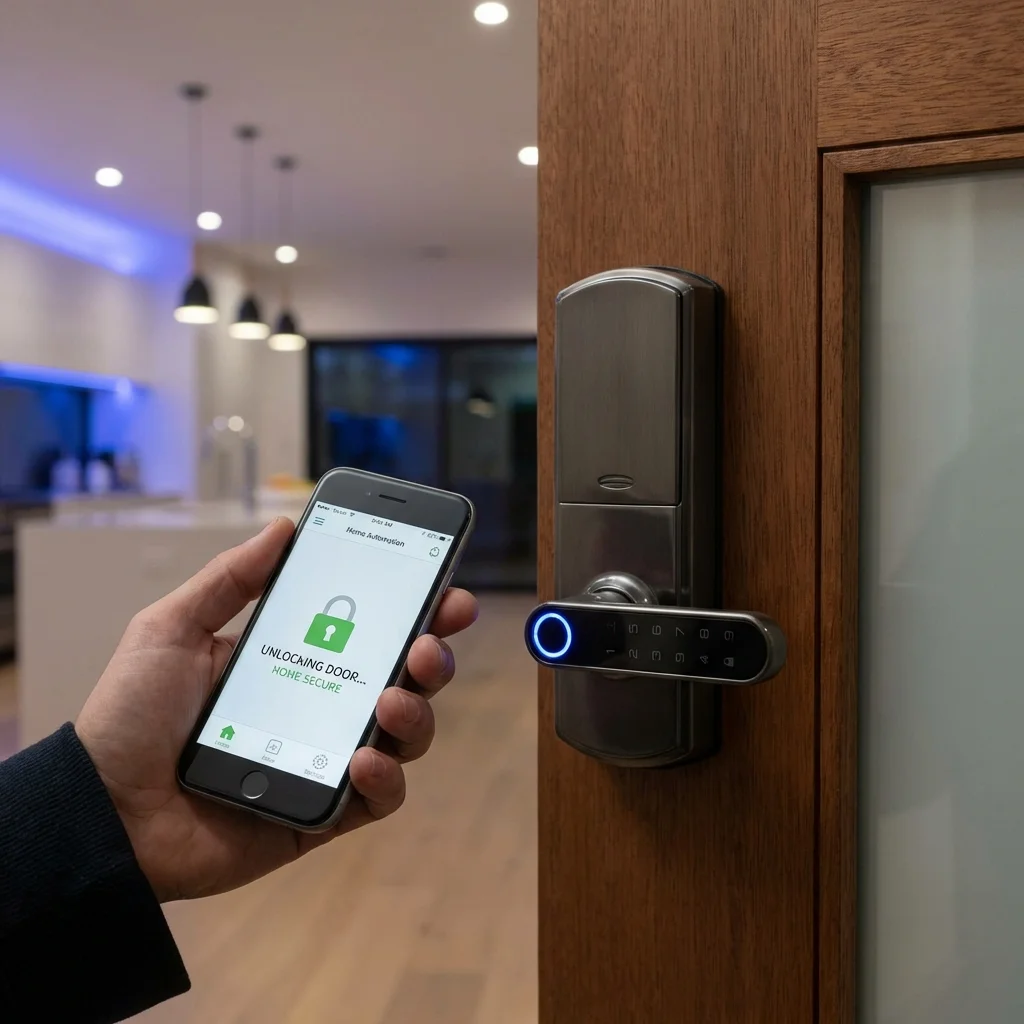
Q: Does it integrate with smart locks? A: Yes, it integrates with locks like Schlage/Yale via tools like RemoteLock to generate cleaner-specific codes.
Q: Can I use it for co-hosting? A: Yes, you can split payments and notifications between owners and co-hosts.
Q: Is the mobile app good for cleaners? A: It's excellent. It's available in Spanish, Portuguese, and other languages, which is huge for non-native English speakers.
Verdict
If you are self-managing, Turno is non-negotiable. The peace of mind of having the Marketplace as a backup is worth its weight in gold. And since the software is free for your own cleaners, the ROI is infinite.
Related Guide: See how I structure my Airbnb cleaning fees to cover these costs. Pair with smart locks for totally automated turnovers.