
The Only Airbnb Expense Tracking Spreadsheet You Need (2026 Edition)
Most hosts fail (or burn out) not because their property is bad, but because they don't know their numbers. Are you actually profitable after paying the cleaner, the utility bill, and the Netflix subscription?
I created this master spreadsheet after managing 10 properties and realizing that QuickBooks was overkill for most single-unit hosts.
Why Use a Spreadsheet?
Software like QuickBooks or Xero is powerful, but it costs monthly fees and has a steep learning curve. For 1-3 properties, a well-structured Google Sheet is free, accessible anywhere, and completely customizable.
What This Spreadsheet Tracks
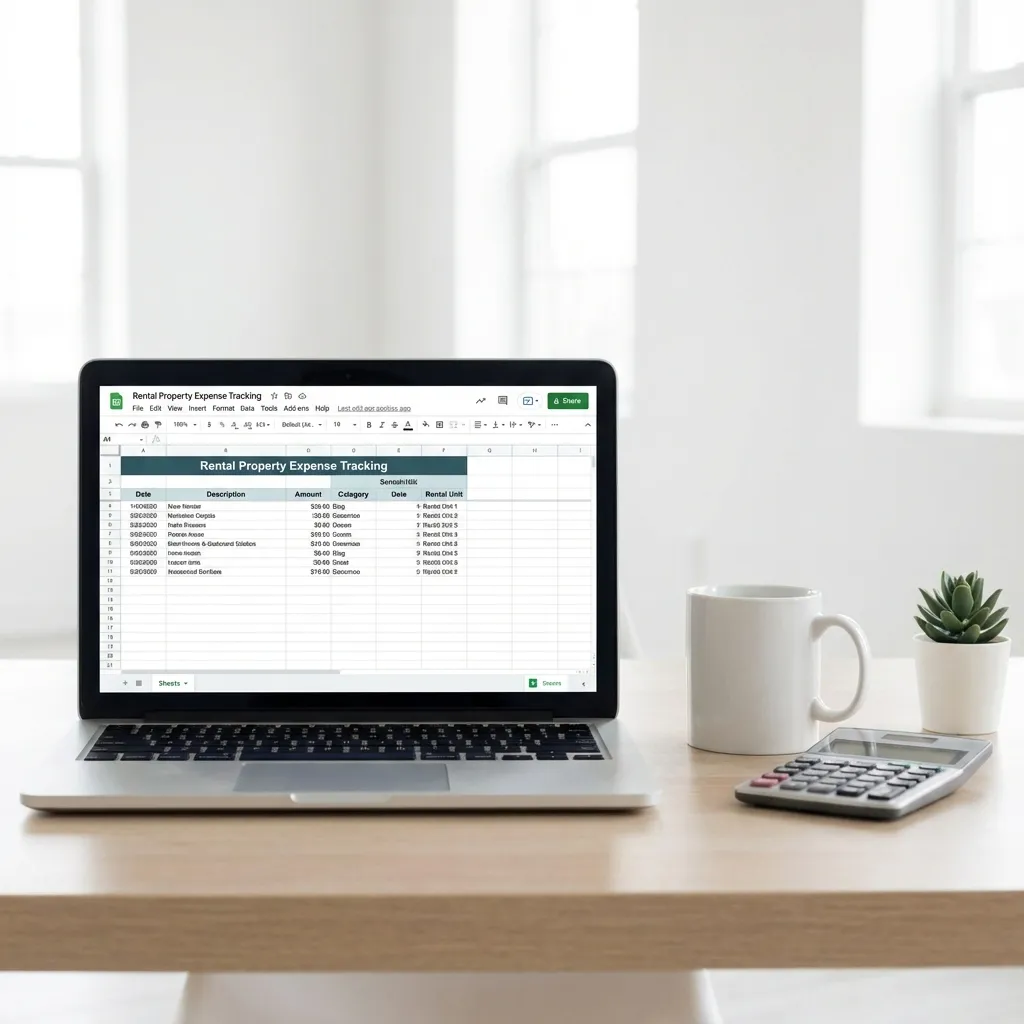
- Gross Revenue: Imported directly from your Airbnb CSV export.
- Fixed Costs: Mortgage, Insurance, Internet, Software subscriptions.
- Variable Costs: Cleaning supplies, Welcome gifts, Maintenance repairs, Utilities.
- Net Profit: Automatically calculated monthly and annually.
Key Categories You Cannot Miss
When tracking expenses, categorize them to make tax season easier. The IRS (or your local tax authority) looks for specific buckets:
- Repairs vs. Improvements: Fixing a leak is a repair (deductible immediately). Renovation is an improvement (depreciated over time).
- Supplies: Toilet paper, coffee, shampoo.
- Advertising: Professional photography, direct booking website hosting.
Download the Template
How to Use It
- Click File > Make a Copy to save it to your own Drive.
- Input your Fixed Costs in the 'Settings' tab.
- Update Variable Costs once a month (I do this on the 1st).
- Review the Dashboard to see your occupancy and net margin trends.
💡 Pro Tip: Set a calendar reminder for the first Monday of every month to update your sheet. Consistency is key to avoiding tax-season panic.
Related Finance Guides
This spreadsheet works great with my tax deductions guide. For automation, see the best accounting software. Also read my complete pricing strategy.