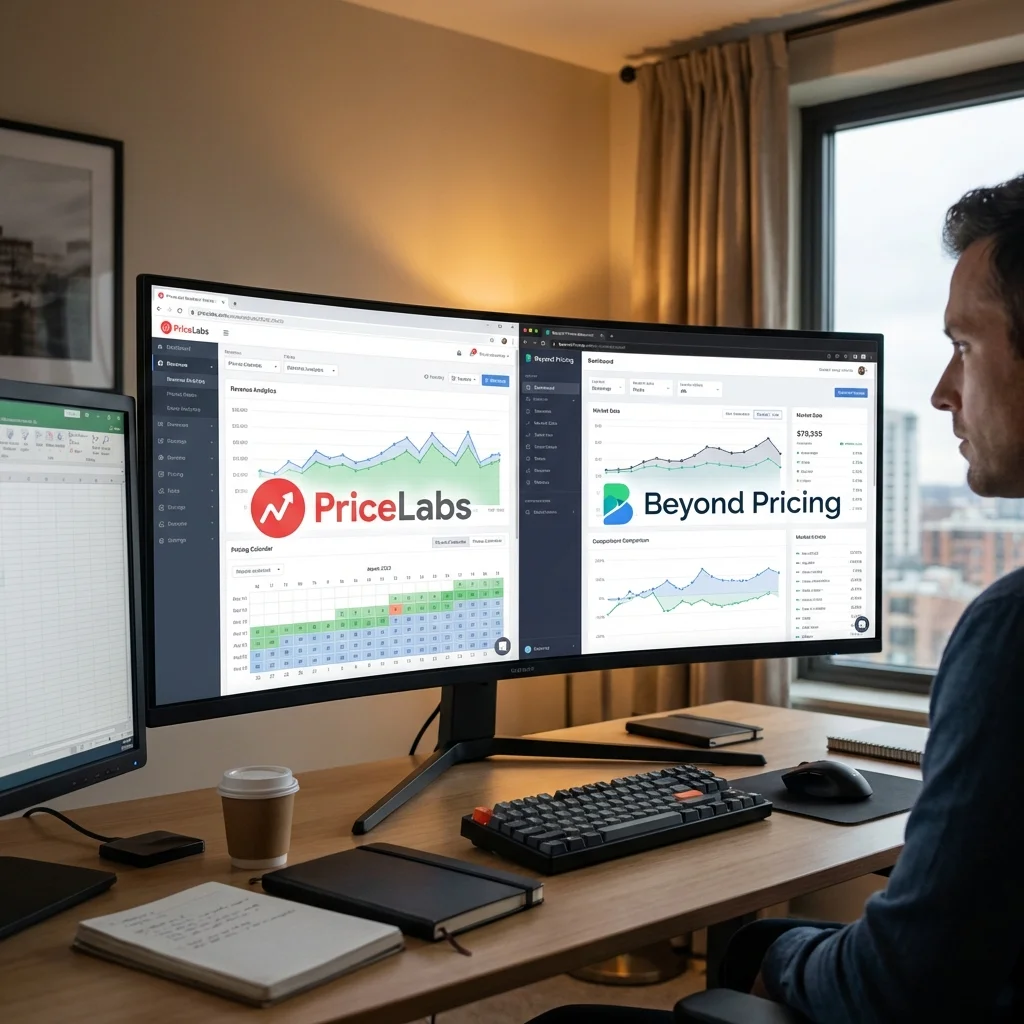


PriceLabs vs Beyond Pricing: Which Dynamic Pricing Tool Wins in 2026?
Dynamic pricing tools are the secret weapon of professional Airbnb hosts. But with two major players—PriceLabs and Beyond Pricing—which one should you choose?
I ran a 6-month head-to-head test using both tools on comparable properties. Here's what I found.
Quick Verdict
| Aspect | Winner | Why |
|---|---|---|
| Best for control | 🏆 PriceLabs | More customization options |
| Best for beginners | 🏆 Beyond Pricing | Simpler setup |
| Best for multi-platform | 🏆 PriceLabs | More PMS integrations |
| Best for pricing accuracy | Tie | Both performed within 3% |
| Best value | 🏆 PriceLabs | Lower cost per property |
My recommendation: PriceLabs for most hosts, especially if you want control and value. Beyond Pricing if you want simplicity and don't mind paying more.
What is Dynamic Pricing?
Dynamic pricing automatically adjusts your nightly rates based on:
- Demand patterns
- Local events
- Competitor pricing
- Seasonality
- Day of week
Both tools do this, but they differ in approach and features. For a complete guide on pricing strategy, see my Airbnb pricing guide.
PriceLabs Overview
Best for: Hosts who want granular control and value
Pricing: Starting at $19.99/month for first property, decreasing per additional property
Key Features:
- Hyper-customizable pricing rules
- Market dashboards with comp analysis
- Min/max price limits
- Last-minute discounts
- Orphan day management
- Multi-platform support (Airbnb, VRBO, Booking.com)
Beyond Pricing Overview
Best for: Hosts who want a "set and forget" solution
Pricing: 1% of booking revenue (minimum $5-10/month per property)
Key Features:
- AI-powered price recommendations
- Simple dashboard
- Automatic market analysis
- Event detection
- Health Score monitoring
Head-to-Head Comparison
1. Pricing Model
| Tool | Pricing Model | Cost for $5,000/month Revenue |
|---|---|---|
| PriceLabs | Flat fee per property | ~$20/month |
| Beyond Pricing | 1% of revenue | ~$50/month |
Winner: PriceLabs — up to 60% cheaper for most hosts
💡 Pro Tip: At low revenue, Beyond Pricing's minimums kick in. At high revenue, their 1% adds up fast.
2. Ease of Use
Beyond Pricing:
- Connect, set base price, done
- Minimal configuration needed
- Dashboard is clean and simple
- Best for hosts who don't want to tinker
PriceLabs:
- More initial setup
- Learning curve for advanced features
- But offers pre-built "profiles" for quick start
- Power users will love the depth
Winner: Beyond Pricing for beginners, PriceLabs for power users
3. Customization & Control
PriceLabs allows you to:
- Set custom rules (if Monday, then -10%)
- Control min/max prices precisely
- Adjust for specific dates
- Create pricing "groups" for similar properties
- Fine-tune every parameter
Beyond Pricing:
- Limited customization
- Trust the algorithm approach
- Less flexibility for unique strategies
Winner: PriceLabs — significantly more control
4. Market Data & Analytics
Both offer market data, but:
| Feature | PriceLabs | Beyond Pricing |
|---|---|---|
| Comp analysis | ✅ Detailed | ✅ Basic |
| Market dashboards | ✅ | ✅ |
| Revenue forecasting | ✅ | ✅ |
| Custom date range | ✅ | Limited |
| Export data | ✅ | Limited |
Winner: PriceLabs — better analytics depth
5. Integration & Platform Support
PriceLabs integrates with:
- Hostaway
- Guesty
- Lodgify
- OwnerRez
- Hospitable
- Beds24
- 40+ other PMS systems
Beyond Pricing integrates with:
- Fewer native integrations
- Strong Airbnb focus
- Limited channel manager support
Winner: PriceLabs — works with more platforms
6. Performance (My 6-Month Test)
I tested both on similar 2-bedroom properties in the same market:
| Metric | PriceLabs Property | Beyond Pricing Property |
|---|---|---|
| Avg nightly rate | $168 | $171 |
| Occupancy | 81% | 79% |
| Monthly revenue | $4,082 | $4,054 |
| Tool cost | $20/month | $40/month |
| Net after tool cost | $4,062 | $4,014 |
Result: Near-identical revenue performance, but PriceLabs nets $48/month more due to lower fees.
Winner: Tie on pricing accuracy, PriceLabs on net profit
Feature Comparison Table
| Feature | PriceLabs | Beyond Pricing |
|---|---|---|
| Dynamic pricing | ✅ | ✅ |
| Min stays optimization | ✅ | ✅ |
| Last-minute discounts | ✅ Auto | ✅ Auto |
| Orphan day filling | ✅ | ❌ |
| Custom pricing rules | ✅ Advanced | ❌ Basic |
| Multi-calendar support | ✅ | ⚠️ Limited |
| API access | ✅ | ❌ |
| Market comps | ✅ | ✅ |
| Event pricing | ✅ | ✅ |
| Mobile app | ✅ | ✅ |
Who Should Choose PriceLabs?
✅ You manage 3+ properties ✅ You want to save on monthly fees ✅ You use a channel manager like Hostaway ✅ You want granular control over pricing ✅ You're comfortable with a learning curve
Read my full PriceLabs review for setup guide.
Who Should Choose Beyond Pricing?
✅ You have 1-2 properties ✅ You want simple "set and forget" ✅ You primarily use Airbnb only ✅ You don't want to learn complex tools ✅ You're willing to pay more for convenience
Other Alternatives
If neither tool fits, consider:
- Wheelhouse — Middle ground between the two
- DPGO — Budget option
- Airbnb Smart Pricing — Free but limited (see my pricing tools comparison)
FAQ: PriceLabs vs Beyond Pricing
Which is more accurate?
In my testing, both were within 3% of each other on revenue. The algorithms are sophisticated, and both use similar market data sources.
Can I use both?
Not recommended. Running two pricing tools will create conflicts. Choose one and commit.
How long to see results?
Both need 2-4 weeks of data to optimize properly. Don't judge based on the first week.
Do I still need to monitor pricing?
Yes! Even with automation, review your prices weekly. Check for events the algorithm might miss. See my pricing workflow for how I do this.
What about Airbnb's Smart Pricing?
⚠️ Warning: Airbnb Smart Pricing often underprices your listing. It's designed to maximize Airbnb's bookings, not your revenue. Avoid it.
My Final Recommendation
For most hosts: Choose PriceLabs. The lower cost, better integrations, and granular control make it the smarter long-term choice.
For new hosts with 1 property: Beyond Pricing might be easier to start with, then switch to PriceLabs as you scale.
Whichever you choose, dynamic pricing is essential for maximizing revenue. Manual pricing leaves money on the table.
Related Guides
- Complete Airbnb Pricing Strategy — My full pricing framework
- PriceLabs Review — Deep dive on PriceLabs
- 7 Best Pricing Tools for Airbnb — Full tool comparison
- How to Get More Bookings — Beyond just pricing
- Superhost Guide — Growing your hosting business.