
Airbnb Self Check-In Guide: 7 Steps to a Seamless Guest Experience
At 11 PM on a Friday night, I received a panicked message: "We're at the door but the code isn't working!" I was on vacation, 3,000 miles away. That was the last time I relied on a flimsy lockbox.
After that disaster, I rebuilt my entire check-in system. Now, across 12 properties, I've had zero check-in failures in over 2 years. Here's exactly how I did it.
Why Self Check-In Matters for Hosts
Self check-in isn't just convenient—it's a competitive advantage:
- Higher conversion rates: Listings with self check-in get 15-20% more bookings (guests prefer flexibility)
- Better reviews: No waiting around = happier guests
- Superhost-friendly: Eliminates scheduling conflicts with your Superhost requirements
- Scalability: Essential if you manage multiple properties
The 7-Step Self Check-In System
Step 1: Choose the Right Smart Lock
Not all smart locks are created equal. Here's what I look for:
| Feature | Must Have | Nice to Have |
|---|---|---|
| Unique codes | ✅ Required | - |
| Auto-expire codes | ✅ Required | - |
| Battery life | ✅ 6+ months | 12+ months |
| Offline backup | ✅ Required | - |
| Remote access | - | ✅ |
| Activity log | - | ✅ |
My recommendation: See my detailed smart lock comparison for the exact models I use.
Step 2: Create Unique Codes for Every Guest
Never reuse codes. I generate a unique 6-digit code for each booking:
- Format: Last 4 digits of phone + 2-digit day (e.g., 123415 for phone ending in 1234, arriving on the 15th)
- Alternative: Use your PMS or channel manager to auto-generate codes
Step 3: Set Up Auto-Expiring Access
Codes should:
- Activate: 30 minutes before check-in time
- Expire: 30 minutes after checkout time
This prevents early arrivals (while cleaning is happening) and late departures.
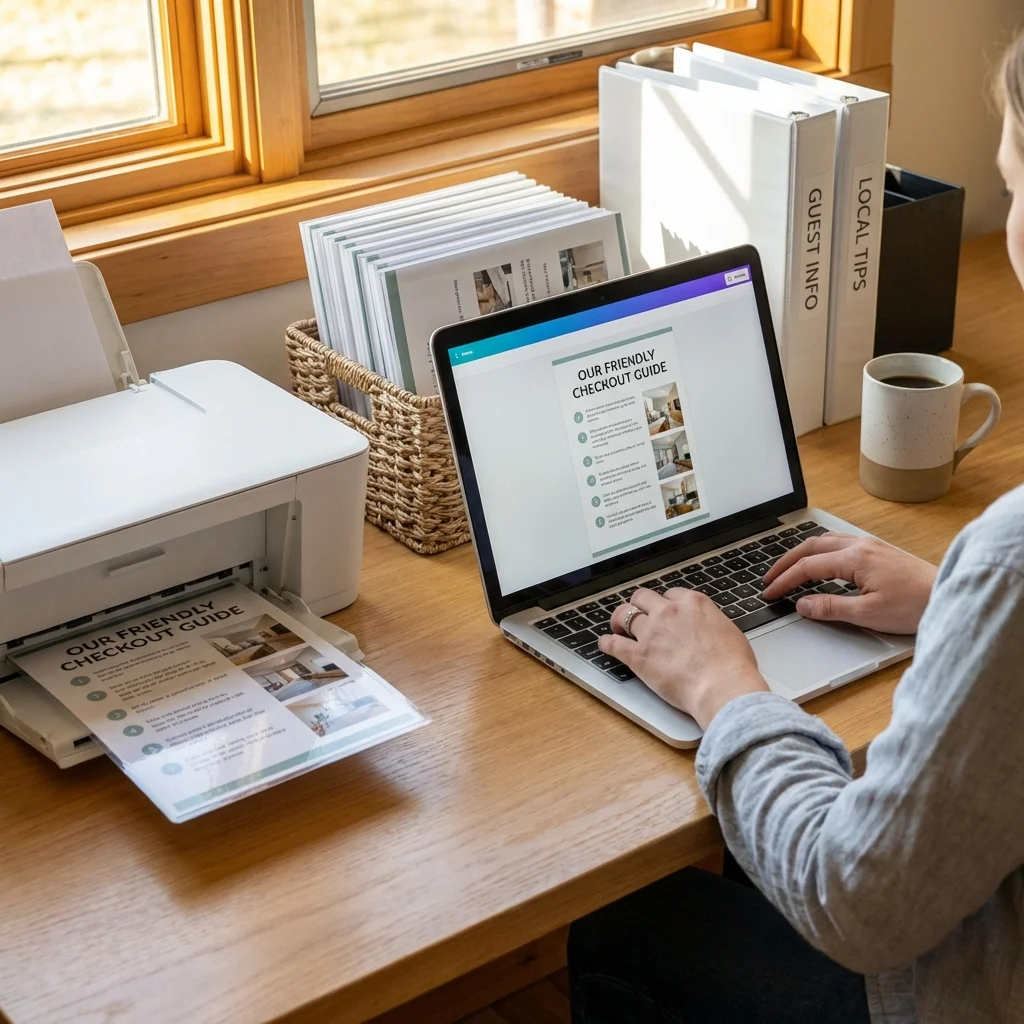
Step 4: Write Crystal-Clear Instructions
Your instructions should pass the "drunk tourist test"—can someone who's exhausted and jet-lagged follow them?
My template:
🏠 CHECK-IN INSTRUCTIONS

📍 Address: [Full address + Google Maps link]

🚗 Parking: [Specific spot, e.g., "Driveway on the left"]

🔑 Entry Code: [CODE]

📝 Steps:
1. Walk to the front door (black door, NOT the side entrance)
2. Enter code [CODE] on the keypad
3. Turn the handle and push
4. Lock automatically behind you

📞 Problems? Call/text me: [Phone number]
For more templates, see my checkout instructions guide.
Step 5: Add Photo and Video Guides
Words aren't enough. I include:
- Photo of the entrance: With an arrow pointing to the keypad
- 30-second video: Walking from the street to inside the door
- Screenshot of Google Maps: With the exact location pinned
These are especially helpful for guests arriving at night.
Step 6: Set Up Backup Entry Methods
⚠️ Warning: Every system fails eventually. Prepare for it.
My backup hierarchy:
- Primary: Smart lock with unique code
- Backup 1: Physical key in a lockbox (different location)
- Backup 2: Neighbor with a spare key
- Emergency: Locksmith on speed dial
I've only needed Backup 1 twice in 5 years—both times due to dead batteries.
Step 7: Automate Your Check-In Messages
Use automated messages to send check-in info at the right time:
| Message | Timing | Content |
|---|---|---|
| Confirmation | At booking | "Thanks for booking! Full details 24h before arrival." |
| Pre-arrival | 24 hours before | Full check-in instructions |
| Day-of | Morning of arrival | Reminder + code + contact info |
| Post-arrival | 2 hours after check-in | "Did you get in okay?" |
Common Self Check-In Mistakes
Mistake 1: Confusing Instructions
- ❌ "The door is around the back near the tree"
- ✅ "Walk past the white garage, turn left, the entrance is the blue door"
Mistake 2: Unreliable Lockboxes
Old-school lockboxes fail. They jam in cold weather, codes wear off, and they scream "Airbnb" to neighbors.
Mistake 3: No Backup Plan
If your smart lock dies and you have no backup, you'll be scrambling at midnight.
Mistake 4: Sending Instructions Too Early
Guests lose emails. Send instructions 24h before—not a week before.
Smart Lock vs. Lockbox vs. Key Handoff
| Method | Cost | Reliability | Guest Experience | Security |
|---|---|---|---|---|
| Smart Lock | $$$ | ⭐⭐⭐⭐⭐ | ⭐⭐⭐⭐⭐ | ⭐⭐⭐⭐⭐ |
| Lockbox | $ | ⭐⭐⭐ | ⭐⭐⭐ | ⭐⭐ |
| Key Handoff | Free | ⭐⭐ | ⭐⭐ | ⭐⭐⭐ |
My verdict: Smart locks are worth the investment. The $200-300 upfront cost pays for itself in convenience and avoided issues.
FAQ: Airbnb Self Check-In
What if a guest loses the code?
With smart locks, you can see the activity log. If they entered it wrong 5 times, you know they're confused. Generate a new code and send it immediately.
Should I enable Instant Book with self check-in?
Absolutely. Self check-in + Instant Book is the ultimate low-friction combo for guests.
What about security concerns?
Smart locks with auto-expiring codes are MORE secure than physical keys. Keys can be copied; codes expire.
How do I handle early check-ins?
I have a clear policy: Early check-in is possible if available (no previous guest), otherwise 3 PM sharp. I communicate this in my welcome message.
My Self Check-In Tech Stack
- Smart Lock: Schlage Encode Plus
- Backup Lockbox: Master Lock 5400D
- Messaging Automation: Hospitable
- Channel Manager: Hostaway
Next Steps
Ready to set up bulletproof self check-in?
- Choose a smart lock: See my smart lock recommendations
- Set up automation: Read my automated messages guide
- Create your instructions: Use my template above
- Add to your listing: Enable "Self check-in" in Airbnb settings
For more hosting optimization, check out my complete Superhost guide and host checklist.